
Disclosure: AI Tricks is reader-supported. This guide contains an affiliate link to Retouch4me. If you sign up through our link, we may earn a commission at no extra cost to you. It does not change our review or the price you pay.
Retouching a portrait by hand takes hours. Skin, eyes, teeth, hair, fabric, backdrop — every part of the photo needs its own careful pass, and a wedding shoot can mean hundreds of photos. Retouch4me was built by photographers who were tired of that routine. Its promise is simple: 80 percent less routine work, natural skin, and full control over the result.
Retouch4me is not one app. It is a suite of single-purpose AI plugins, each built for one job. Heal removes blemishes. Dodge & Burn shapes light on the face. Skin Tone evens out colour. Fabric smooths wrinkles in clothes. Each plugin runs inside Photoshop, Lightroom, or Capture One — or as a standalone app — and each one keeps the original skin texture, which is the thing most AI retouching tools get wrong.
In this guide, we explain what Retouch4me is, its key features, the real pricing, and how to use it step by step. We also compare it with Evoto, Imagen, and Aftershoot, so you can see which tool fits your work. Prices change often, so always check the official Retouch4me pricing page before you buy.
 Try Retouch4me Free — 20 Free Retouches →
In This Guide
- 1. What is Retouch4me?
- Key Features
- Retouch4me Pricing
- How to Use Retouch4me
- Retouch4me vs Alternatives
- Pros and Cons
- Who Should Use Retouch4me
- Frequently Asked Questions
- Final Thoughts
What is Retouch4me?
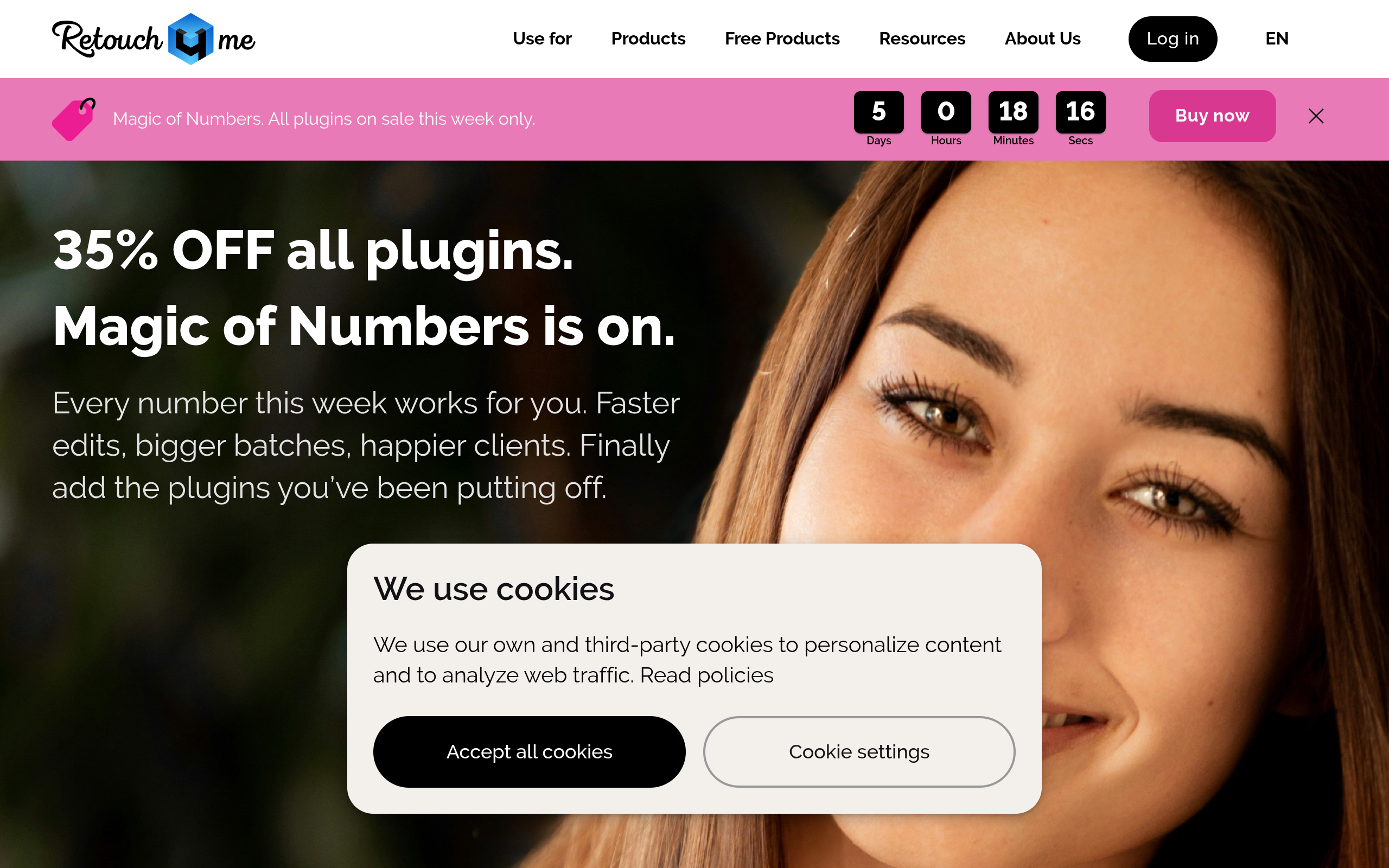
Retouch4me is a suite of AI retouching plugins and cloud tools for photos and videos, made by photographers for photographers. Its home page introduces it plainly: "Professional AI Retouching: 80% Less Routine, Natural Skin, and Full Control Over the Result." You install a plugin, open your photo in Photoshop or Lightroom, and the AI does the routine retouching — skin, lighting, and detail — while you keep full control to fine-tune the result.
The product is different from most AI photo tools in two ways. First, it is modular: you buy only the plugins you need, instead of one big subscription for tools you never use. Second, it works inside the apps photographers already use. The plugins integrate with Photoshop, Lightroom, Capture One, and Affinity Photo, and they preserve all Photoshop layers, so you can adjust every result by hand afterwards. There are also video plugins for DaVinci Resolve, Final Cut Pro, and Premiere Pro.
What can you make with it? Retouched portraits with natural skin, cleaned-up wedding galleries, smooth fabric in fashion shots, white teeth and bright eyes, clean studio backdrops, and full photoshoots processed in minutes instead of hours. The newer Arams app adds AI culling and batch processing for whole shoots, and the Apex tool is the newest flagship for high-end retouching. A cloud service, MyShot, stores your shoots and retouches them online when you prefer not to install plugins.
Retouch4me is made for working photographers: portrait, wedding, fashion, beauty, and headshot photographers who retouch every week and need results that look professional, not automated. It is not built for casual users — if you only fix one photo a month, a browser editor like YouCam is a better fit. If you retouch for clients, Retouch4me is built for you.
Key Features
Retouch4me packs a lot into its plugin suite. Here are the features that matter most.
1. Natural skin texture — no plastic look
This is the feature Retouch4me is known for. Most AI portrait tools smooth skin until it looks like plastic. Retouch4me carefully enhances the image while preserving the natural skin details — pores, fine lines, and real texture stay in the photo. Reviewers at The Phoblographer, FixThePhoto, and PetaPixel all say the same thing: it maintains the original skin texture and gives professional-level results. That is the difference between a retouch a client accepts and one they reject.
2. Single-purpose plugins for every retouching job
Each plugin does one job well. Heal removes blemishes and skin defects. Dodge & Burn shapes light and shadow on the face. Skin Tone evens out skin colour. Skin Mask selects skin precisely so edits never touch hair or clothes. Portrait Volumes adds depth to the face. White Teeth brightens teeth. The Eyes Bundle fixes eye vessels and adds brilliance. Mattifier removes shine. Dust cleans sensor dust and spots. Fabric smooths creases and wrinkles in clothes. Clean Backdrop removes marks from studio backgrounds. You buy only the ones you need.
3. Full Photoshop layer control
Retouch4me is the only AI plugin set that fully preserves Photoshop layers. Its plugins integrate into Photoshop and keep every layer, so you can fine-tune the result the way you already work — lower the opacity, mask part of the effect, or combine it with your own edits. You never get a flattened image you cannot adjust.
4. Batch processing for whole shoots
Wedding and event photographers do not retouch one photo at a time. Retouch4me plugins process entire photoshoots in minutes, not hours — you apply the same retouching across a full gallery, then check the results. The home page calculator makes the point directly: it asks how many photos you retouch a month and how long each one takes, then shows the hours you get back.
5. Arams: AI culling and batch workflow
Arams is Retouch4me's newer app for the whole shoot workflow: AI-powered analysis, smart culling that picks the best shots, batch processing, and retouching in one place. It is free to download and install. If you already own Retouch4me plugins, they work inside Arams. After installation you can activate a free Trial Pack with 20 retouches to try all features at no cost.
6. Apex: high-end retouching, newest flagship
Apex is the newest Retouch4me product, built for high-end retouching with natural skin texture preservation. It is the tool the company points professionals to first. Generative credits for Apex are coming in version 1.212, according to the pricing page — a sign that more AI generation features are on the way.
7. Video retouching plugins
Retouch4me also retouches video. Its OFX plugins for DaVinci Resolve, Final Cut Pro, and Premiere Pro automate video retouching — skin, lighting, and detail — so you no longer spend hours or days on manual frame-by-frame work. The same natural-skin approach applies to moving images.
8. MyShot cloud storage and cloud retouching
MyShot is Retouch4me's cloud service: you upload a shoot, retouch it online, and work from anywhere. Yearly plans include 20 GB to 100 GB of MyShot storage. If you prefer not to install plugins, the cloud credit model retouches your photos online instead — no plugin purchase required.
9. Colour tools: Color Match and Lab
Color Match copies the colour grade from one photo to another, so a whole gallery looks consistent. Lab is the colour-grading add-on for finer control. Color Match Free is one of the two free plugins, with hundreds of LUTs included — a genuinely useful free tool, not a demo.
10. Free plugins and free trial
Two plugins are completely free: Frequency Separation for non-destructive editing, and Color Match Free with hundreds of LUTs. Every paid plugin has a free demo version you can try on your own photos. And after you install Apex or Arams, you can activate a free Trial Pack with 20 retouches — enough to test the whole workflow before you spend anything.
Try Retouch4me Free — 20 Free Retouches →
Retouch4me Pricing
Retouch4me has two ways to pay: one-time perpetual licenses for individual plugins, or a yearly subscription with retouching credits. All prices are in US dollars. The figures below are from the official pricing page read on 14 November 2026. Prices change often, so check the official Retouch4me pricing page before you buy. A 35 percent off sale on all plugins was running on the home page when we checked — sale prices change, so confirm the price at checkout.
| Yearly Plan | Price per Year | Retouching Credits per Year | Culling Credits per Year | MyShot Storage | Best For |
|---|---|---|---|---|---|
| Start | $169 billed yearly ($14.08 per month) | 2,400 | 108,000 | 20 GB | Starting out, smaller shoots |
| Pro | $299 billed yearly ($24.92 per month) | 6,000 | 300,000 | 40 GB | Working photographers |
| Business | $759 billed yearly ($63.25 per month) | 18,000 | 1,200,000 | 100 GB | Studios and high volume |
Yearly plans: Every yearly plan includes the full suite of AI plugins with updates and new releases, unlimited AI colour correction with batch processing, and your full yearly retouch volume credited to the account immediately. One retouch costs one credit. Unused credits roll over for up to 5 years while your subscription is active — a rare and generous rule. There is a 14-day money-back guarantee if you use up to 500 retouching credits. Start is the best value for a photographer starting out; Pro is marked as the best value on the pricing page and fits most working photographers; Business is the expert choice for studios.
One-time plugin licenses: If you prefer to own your tools, each plugin is a one-time purchase of a perpetual license with free updates. Individual photo plugins cost from $124 to $179 each — Heal, Skin Tone, Skin Mask, Portrait Volumes, Fabric, White Teeth, Mattifier, Color Match, and Dust are $124 to $145 each, while Dodge & Burn and Clean Backdrop are $149 to $179 each. Video OFX plugins cost $124 to $349. The official pricing page shows two slightly different price lists in its own FAQ answers, so confirm the exact price for your plugin at checkout. A standard license covers your computers — the FAQ lists two computers for a standard license, with 3 keys issued per user — and volume licenses are available for studios.
Free options: Two plugins are free forever — Frequency Separation and Color Match Free. Every paid plugin has a free demo version. And after you install Apex or Arams, you can activate a free Trial Pack with 20 retouches to test the full workflow at no cost.
Three things to know before you pay: First, buying five plugins one time costs several hundred dollars — Fstoppers estimated about $500 for four essential tools — so count the plugins you actually need before you buy them one by one. A yearly plan may be cheaper if you need the whole suite. Second, subscription credits roll over for up to 5 years only while the subscription stays active — if you cancel, the rollover ends. Third, the sale price on the home page is temporary — the standard prices above are the ones to plan your budget around.
How to Use Retouch4me
Using Retouch4me is simple: you install the plugin or app, open your photo, and let the AI retouch it. Here is the full flow, step by step.
- Start free. Go to Retouch4me and download the two free plugins — Frequency Separation and Color Match Free — or install Apex or Arams and activate the free Trial Pack with 20 retouches. You do not need to buy anything to test it.
- Install the plugin in your editor. The plugins work in Photoshop, Lightroom, Capture One, and Affinity Photo. Install the ones you bought or want to demo, and they appear in your editor's plugin or filter menu. Arams works as a standalone app for culling and batch work.
- Open your photo and pick the job. Blemishes? Open Heal. Flat light on the face? Open Dodge & Burn. Uneven skin colour? Open Skin Tone. Wrinkled clothes? Open Fabric. Dirty studio backdrop? Open Clean Backdrop. Picking the job first keeps the work fast.
- Let the AI run, then fine-tune. The plugin retouches the photo in seconds. Because the result stays on its own Photoshop layer, you can lower the opacity, mask part of the effect, or combine it with your own edits. Check the skin texture with fresh eyes — it should still look like real skin.
- Batch the whole shoot. For a wedding or event gallery, apply the same plugins across the full set with batch processing. In Arams, let the AI cull the shoot first — it picks the best shots — then retouch the keepers in one pass.
- Check the eyes, teeth, and hair last. After the skin work, run the Eyes Bundle for vessels and brilliance, White Teeth for the smile, and Stray Hairs if needed. These small fixes are what make a portrait look finished.
- Export and deliver. Export from Photoshop or Lightroom as usual. The retouching is non-destructive, so you can always go back and adjust a layer later if the client asks for a change.
- Decide what to buy. After your 20 free retouches, you know which plugins you actually used. Buy those one time, or take a yearly plan if you need the whole suite — the plan includes every plugin with updates.
Tip for your first project: start with a portrait you already retouched by hand. Run Heal and Dodge & Burn on a copy, then compare the two versions side by side. Check the skin texture at 100 percent zoom — that is where cheap AI fails and Retouch4me earns its price. If the texture holds, the tool is worth it for your work.
Try Retouch4me Free — 20 Free Retouches →
Retouch4me vs Alternatives
Retouch4me is not the only AI retouching tool. Here is how it compares with the three closest alternatives: Evoto for high-volume portrait retouching, Imagen for Lightroom-style editing that learns your style, and Aftershoot for flat-fee culling, editing, and retouching. Prices below are from October and November 2026 checks of each tool's official pricing page — always confirm the current price on the official site before you buy.
| Tool | Best For | Free Plan / Trial | Paid From | Standout Feature |
|---|---|---|---|---|
| Retouch4me | Professional skin retouching in Photoshop | 2 free plugins + 20 free retouches | $124 per plugin one time, or $169 per year | Natural skin texture, full Photoshop layer control, one-time licenses |
| Evoto | High-volume portrait and headshot retouching | Free to edit, 7-day trial | About $89 per year (800 credits) | Granular face and body sliders, batch sync, AI culling |
| Imagen | Lightroom Classic workflows | 1,000 free edits, no card | $0.05 per photo, $7 per month minimum | Learns your editing style from past Lightroom edits |
| Aftershoot | High-volume wedding and event workflow | 30-day free trial, no card | $20 per month billed yearly (Retouch) | Flat fee, unlimited images, culling + editing + retouching |
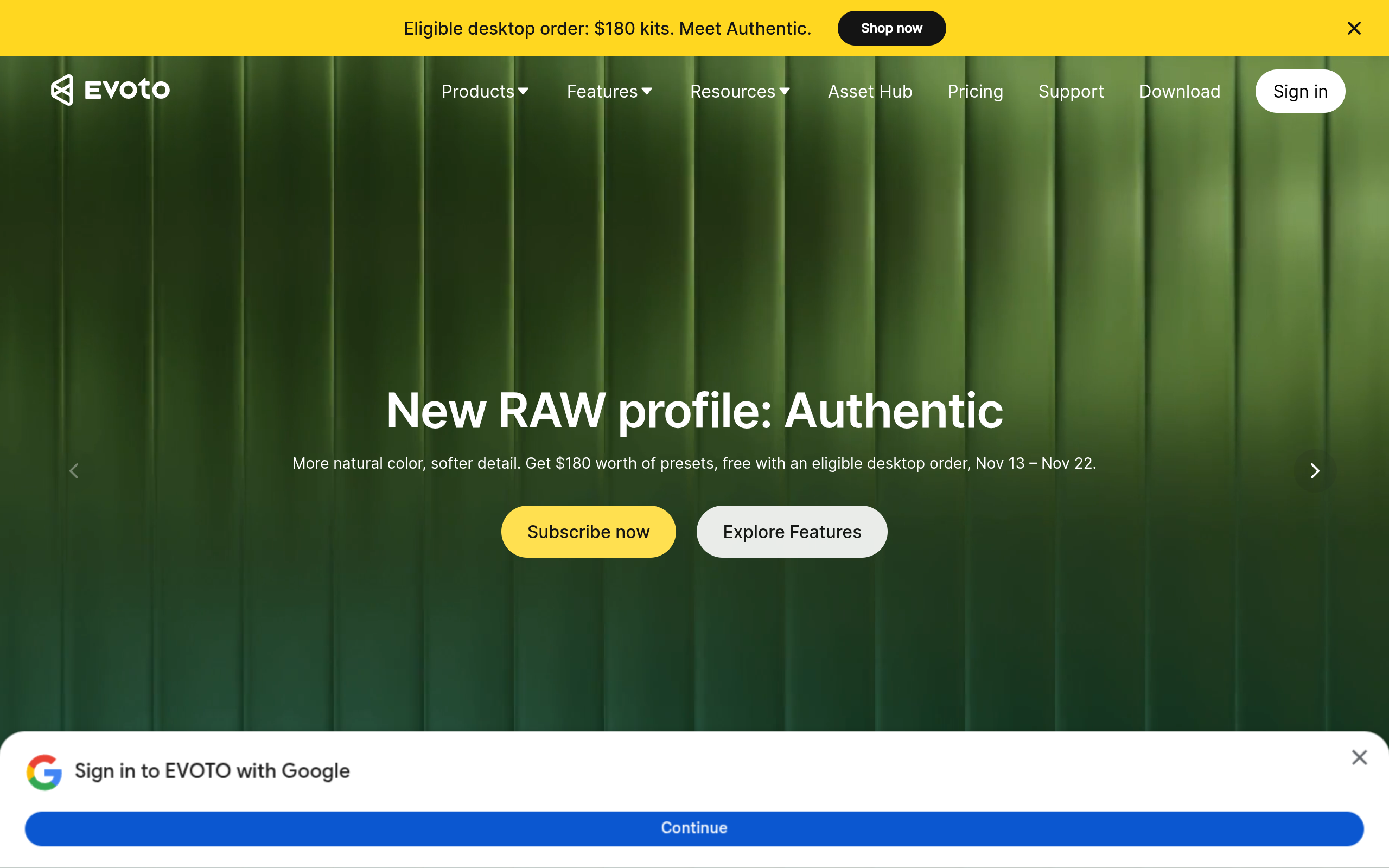
Choose Evoto if you retouch a high volume of portraits and headshots and want deep sliders for skin, face shape, makeup, and backgrounds, applied across a batch. Editing and previewing are free — you pay one credit per exported image. Annual plans start at about $89 a year for 800 credits. Evoto is cloud-based for portrait retouching, and it added AI culling in late 2025.
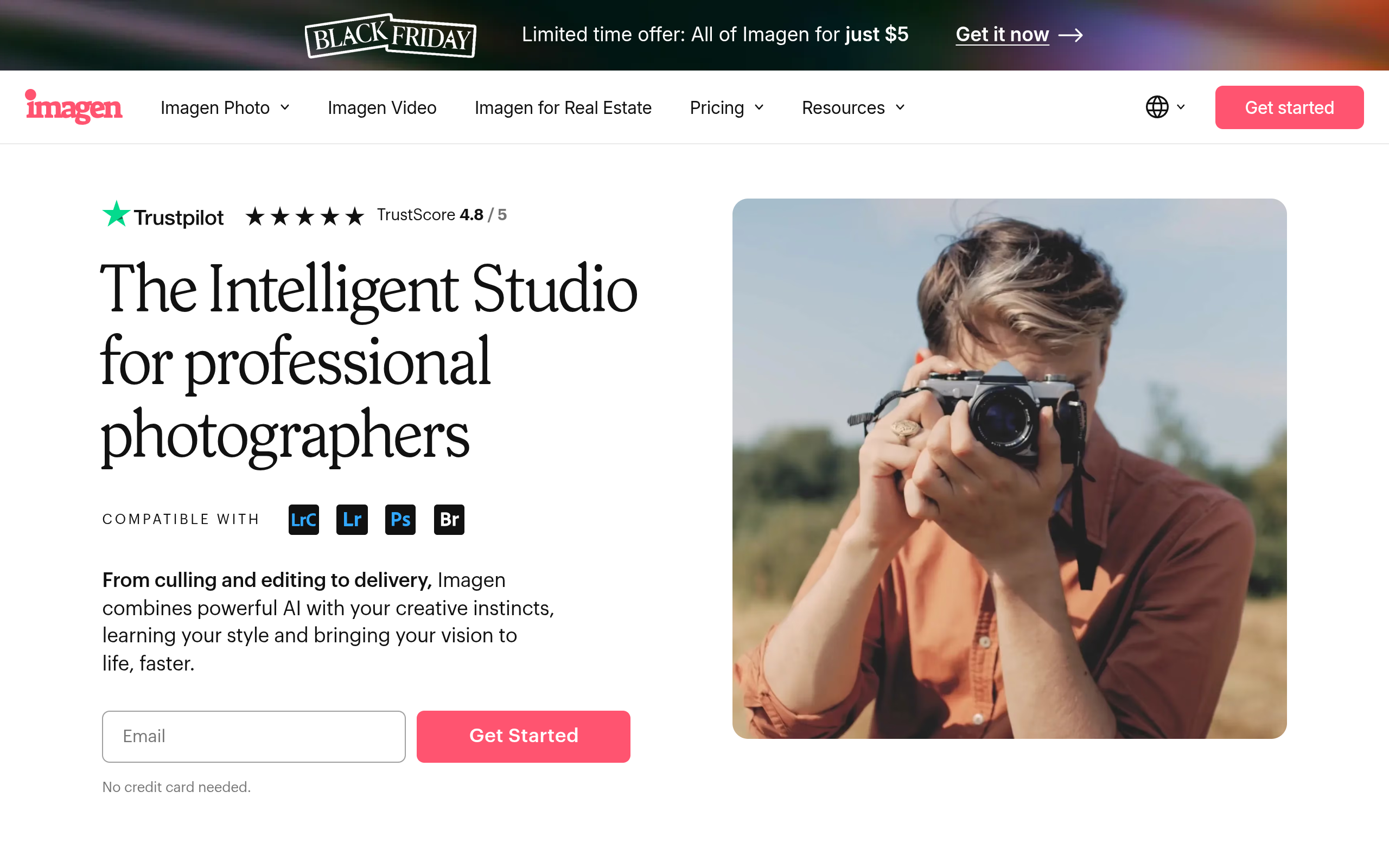
Choose Imagen if you live inside Lightroom Classic and want an AI that learns your editing style from your past edits and applies it across whole galleries. It charges per photo — about $0.05 per photo with a $7 a month minimum — or a flat Limitless plan at $129 a month billed annually. You get 1,000 free edits with no card. Its retouching is lighter than Retouch4me's, and it needs the cloud to process.
Choose Aftershoot if you want one flat fee for the whole workflow — culling, editing, and retouching — with unlimited images and no per-photo cost. Retouch alone is $20 a month billed yearly, and the Complete plan with all three tools is $45 a month billed yearly. Every plan starts with a 30-day free trial and no card. Aftershoot works offline, which matters on location.
Choose Retouch4me if you want the most natural skin in Photoshop, with full layer control and the choice to own your plugins one time instead of renting them every month.
Retouch4me Plugins at a Glance
Retouch4me sells its plugins separately, so it helps to see the whole range in one place. These are the main plugins from the official store, with the prices listed on the official pricing page on 14 November 2026. The page shows two slightly different price lists in its own FAQ answers, so the figures below are the range across both lists — confirm the exact price at checkout.
| Plugin | What It Does | One-Time Price |
|---|---|---|
| Heal | Removes blemishes and skin defects | $124 to $145 |
| Dodge & Burn | Shapes light and shadow on the face | $149 to $179 |
| Skin Tone | Evens out skin colour | $124 to $145 |
| Skin Mask | Selects skin precisely for clean edits | $124 to $145 |
| Portrait Volumes | Adds depth and shape to the face | $124 to $145 |
| Eyes Bundle | Eye Vessels plus Eye Brilliance | $124 to $145 |
| White Teeth | Brightens teeth naturally | $124 to $145 |
| Mattifier | Removes shine from skin | $124 to $145 |
| Fabric | Smooths creases and wrinkles in clothes | $124 to $145 |
| Clean Backdrop | Removes marks from studio backgrounds | $149 to $179 |
| Color Match | Copies a colour grade across photos | $124 to $145 |
| Dust | Cleans sensor dust and spots | $124 to $145 |
| Crop | Smart cropping for portraits | $145 |
| Face Make | Makeup-style face enhancement | $145 |
| Stray Hairs | Removes stray hairs from portraits | $145 |
| Lab | Colour-grading add-on | $145 |
| Frequency Separation (FREE) | Non-destructive skin editing | $0 |
| Color Match Free (FREE) | Colour grading with hundreds of LUTs | $0 |
Which plugins to buy first: If you shoot portraits, start with Heal, Dodge & Burn, and Skin Tone — those three cover most of the retouching work. Add Skin Mask if you want cleaner selections, and Fabric if you shoot fashion. That is four plugins for roughly $500 to $580 one time. If you need more than four, compare the total against a yearly plan: Start at $169 a year includes the full suite, so the plan wins as soon as you need five or more plugins.
Retouch4me for Different Photographers
Retouch4me is a professional tool, but different photographers use it in different ways. Here is how it fits each kind of work.
Wedding photographers
A wedding means hundreds of photos, and the couple expects every one of them to look good. Retouch4me's batch processing is the feature that matters here: you apply Heal, Skin Tone, and Dodge & Burn across the whole gallery in minutes, then check the results. Arams helps before that — it culls the shoot, picking the best shots so you only retouch the keepers. A yearly plan fits this work best, because the volume is high and the suite is all included.
Portrait and headshot photographers
For portraits, the natural skin is the whole point. A client will reject a headshot that looks airbrushed, and Retouch4me's texture preservation is what keeps them happy. Heal and Skin Tone do most of the work, with the Eyes Bundle and White Teeth for the finishing touches. Buying those four plugins one time is the honest choice for a portrait photographer who does not need the full suite.
Fashion and product photographers
Fashion work needs Fabric for wrinkled clothes and Clean Backdrop for studio marks, plus the usual skin tools. The Fabric plugin detects clothing in a photo and smooths creases while keeping the texture of the material — a job that takes a long time by hand. Product photographers who shoot clothes will recover the plugin's price in a single job.
What Retouch4me cannot do
Retouch4me does not generate backgrounds, do ghost mannequin work, or edit a photo from a text prompt. It does not learn your personal editing style the way Imagen does, and it does not offer a flat unlimited plan the way Aftershoot does. It is a retouching tool, not an all-in-one editor — it does its one job very well, and it leaves the rest to the apps you already use.
Pros and Cons
Pros
- Natural skin texture preservation — the retouch keeps pores and fine detail, never the plastic look.
- Full Photoshop layer control — every result stays adjustable, the only AI plugin set that does this.
- One-time perpetual licenses with free updates — you own the plugin, no monthly rent.
- Modular pricing — buy only the plugins you need, from $124 each.
- Yearly plans include the full suite, and unused credits roll over for up to 5 years while subscribed.
- Batch processing for whole shoots, plus Arams for AI culling and batch workflow.
- Video retouching plugins for DaVinci Resolve, Final Cut Pro, and Premiere Pro.
- Two plugins are free forever, every paid plugin has a free demo, and new users get 20 free retouches.
- Works in the apps photographers already use — Photoshop, Lightroom, Capture One, Affinity Photo.
- 14-day money-back guarantee on yearly plans, if you use up to 500 credits.
Cons
- Buying several plugins one time adds up — about $500 for four essential tools, according to Fstoppers.
- It is built for Photoshop users — casual users and anyone without Photoshop will find it hard to use.
- No subscription-free way to use the whole suite — you either buy plugins one by one or take a yearly plan.
- The official pricing page shows two different price lists for plugins in its own FAQ answers, which is confusing.
- It does not do background generation or ghost mannequin work, so fashion brands pair it with another tool.
- Cloud retouching needs an internet connection — only the local plugins work offline.
- Generative features for Apex are still coming, not live yet.
- It is a professional tool with a professional price — overkill if you retouch one photo a month.
Who Should Use Retouch4me
Retouch4me is best for: portrait, wedding, fashion, beauty, and headshot photographers who retouch every week; studios that need consistent, natural-looking skin across whole galleries; and photographers who already work in Photoshop and want AI that respects their layers. If you retouch for clients and your reputation depends on skin looking real, this is the tool built for you.
Skip Retouch4me if: you only fix a few photos a month — a browser editor like YouCam is cheaper and easier. Skip it if you do not use Photoshop, Lightroom, or Capture One — the plugins need a host app. Skip it if you want one flat fee for unlimited images — Aftershoot's $20 a month Retouch plan fits that better. And skip it if you need full AI editing that learns your style — Imagen does that, Retouch4me does not.
Our take: Retouch4me earns its price on one thing: skin that still looks like skin. Every reviewer says the same, and it is the hardest thing in AI retouching to get right. The one-time licenses are honest value for a working photographer — you own the tool, it keeps updating for free, and it works inside the apps you already know. Just count your plugins before you buy: if you need five or more, the yearly plan is probably cheaper. Test it on your own portrait first, with the 20 free retouches, and check the texture at full zoom before you decide.
Try Retouch4me Free — 20 Free Retouches →
Frequently Asked Questions
1. Is Retouch4me free?
Partly. Two plugins are free forever — Frequency Separation and Color Match Free. Every paid plugin has a free demo version, and after you install Apex or Arams you can activate a free Trial Pack with 20 retouches. The full plugins are paid, either one time or by yearly subscription.
2. How much does Retouch4me cost?
Individual plugins cost from $124 to $179 each as a one-time perpetual license with free updates. Yearly plans are $169 a year for Start (2,400 retouching credits), $299 a year for Pro (6,000 credits), and $759 a year for Business (18,000 credits). Prices change often, so check the official pricing page before you buy.
3. Is Retouch4me a subscription or a one-time purchase?
Both. You can buy each plugin one time and own it forever with free updates, or you can take a yearly plan with retouching credits that includes the full suite. Monthly cloud plans also exist in some listings, but the official pricing page sells yearly plans.
4. Does Retouch4me work with Photoshop?
Yes. Retouch4me plugins integrate with Photoshop, Lightroom, Capture One, and Affinity Photo. They preserve all Photoshop layers, so you can fine-tune every result. Video plugins work in DaVinci Resolve, Final Cut Pro, and Premiere Pro.
5. Does Retouch4me make skin look plastic?
No — that is its main selling point. It preserves natural skin texture while it smooths and evens the skin. Reviewers at The Phoblographer, FixThePhoto, and PetaPixel all confirm it keeps the original texture and gives professional-level results.
6. Can I try Retouch4me before I buy?
Yes. Every paid plugin has a free demo version, two plugins are free forever, and new users get a free Trial Pack with 20 retouches after installing Apex or Arams. Yearly plans also have a 14-day money-back guarantee if you use up to 500 credits.
7. Do unused Retouch4me credits expire?
On yearly plans, unused credits roll over for up to 5 years while your subscription stays active. If you cancel, the rollover ends. One retouch costs one credit, and your full yearly volume is credited to your account immediately.
8. What is the difference between Retouch4me and Evoto?
Retouch4me is a set of Photoshop plugins you can own one time, with full layer control and the most natural skin. Evoto is a cloud tool with deep sliders and credit-based exports, from about $89 a year. Choose Retouch4me if you live in Photoshop and want to own your tools; choose Evoto if you want high-volume cloud retouching with granular sliders.
9. Can I use Retouch4me on multiple computers?
Yes, within the limits of your license. The FAQ lists two computers for a standard perpetual license, with 3 keys issued per user, and volume and studio licenses are available if you need more seats. Contact support to set up the right number of activations.
10. Who is Retouch4me best for?
Portrait, wedding, fashion, beauty, and headshot photographers who retouch every week and need natural-looking skin in Photoshop. It is not built for casual users — if you fix one photo a month, a browser editor like YouCam is a better fit.
Related Guides

Try Retouch4me Free — 20 Free Retouches →
Final Thoughts
Retouch4me is one of the most honest AI tools of 2026 because it knows exactly who it is for. It does not try to be a photo editor for everyone. It is a set of single-purpose plugins for photographers who retouch portraits for a living — and it does that one job with more care than any other tool, because it keeps the skin looking like skin.
It is not cheap, and it is not simple. Five plugins one time costs several hundred dollars, and you need Photoshop to use them. But for a working photographer, the maths works: the hours saved on every shoot pay for the plugins fast, and the one-time licenses keep working with free updates. The yearly plans are fair too, especially with credits that roll over for up to 5 years.
Our advice is simple: start free. Install Apex or Arams, activate the 20 free retouches, and run Heal and Dodge & Burn on a portrait you already retouched by hand. Compare the two at full zoom. If the texture holds — and it should — buy the plugins you used, or take the yearly plan if you need the whole suite.
Either way, you now know exactly what Retouch4me does, what it costs, and who it is for. Try the free retouches, test it on a real portrait, and decide from the result — not from the promise.